前言
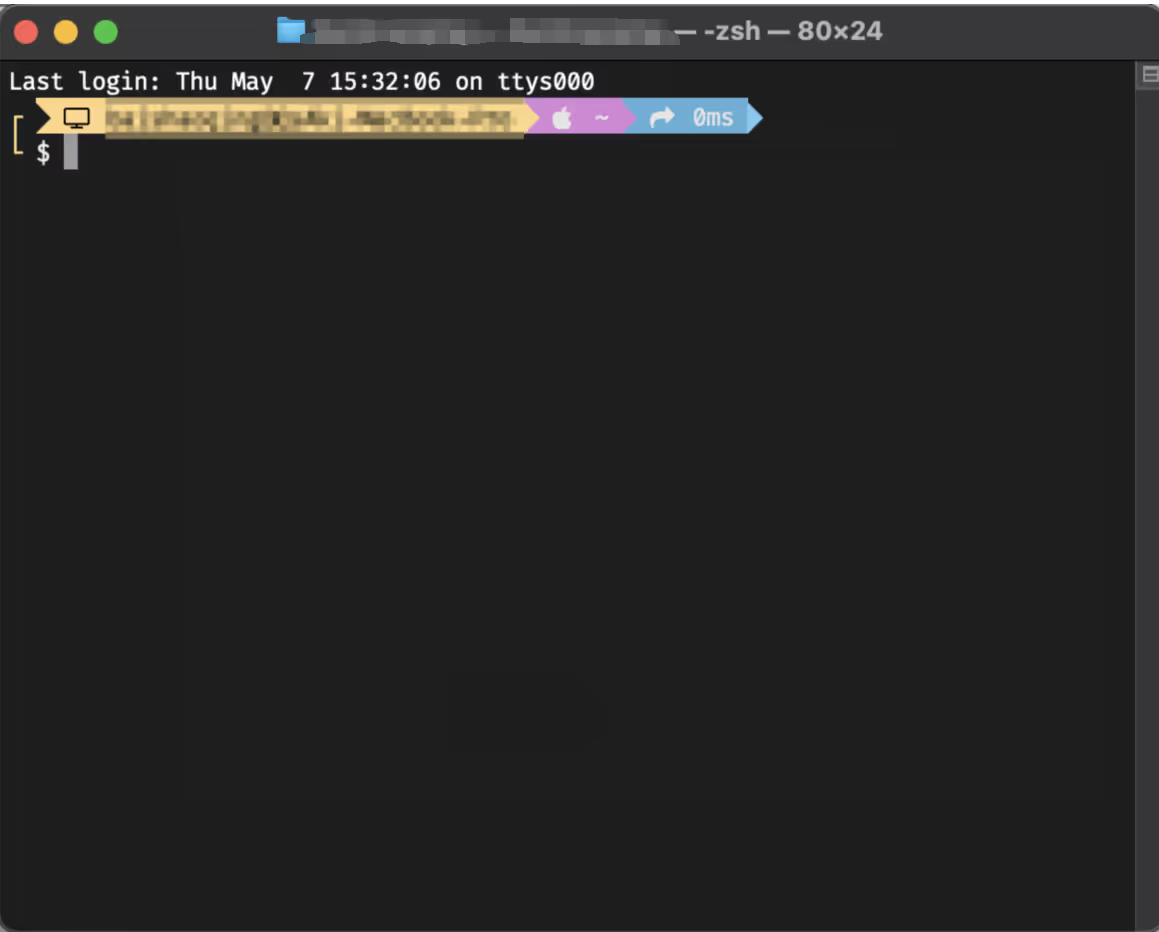
最近在公司基本上都在使用Macos开发,Vibe Code时代,装完各种AI的cli后,终端一开就是干!不过Macos的原生终端还是太素了,一番查阅后,发现终端美化主要使用oh-my-posh这个东西,一番研究,实现成功后,现在记录一下。
步骤
1. 安装Homebrew
Homebrew是一个Macos的包管理工具,安装完即可支持brew命令。
brew常用命令如下:
brew install node #默认安装最新版
brew install node@14.16.8 #安装指定版本
brew switch node 16.0.0 #切换版本
brew upgrade name #更新安装过的软件(如果不加软件名,就更新所有可以更新的软件)
brew uninstall node #卸载node

brew services list #获取services列表
brew services start/stop/restart serverName # 启动服务
brew services start mysql #启动mysql服务
brew services restart mysql #重启mysql服务
brew services stop mysql #停止mysql服务

brew config #查看brew配置
brew info node #查看node安装信息
brew list #查看已安装软件
brew list --versions #查看已安装软件版本号
brew search node #搜索可用node相关软件
brew update #brew自身更新
brew cleanup #清除下载的缓存
brew doctor #诊断brew,并给出修复命令
安装
执行以下安装命令即可:
/bin/zsh -c "$(curl -fsSL https://gitee.com/cunkai/HomebrewCN/raw/master/Homebrew.sh)"
执行brew --version查看是否有输出版本信息,有则代表安装成功。
更换到国内下载源
执行以下命令(三选一):
git -C "$(brew --repo)" remote set-url origin https://mirrors.ustc.edu.cn/brew.git # 中科大
git -C "$(brew --repo)" remote set-url origin https://mirrors.aliyun.com/homebrew/brew.git # 阿里巴巴
git -C "$(brew --repo)" remote set-url origin https://mirrors.tuna.tsinghua.edu.cn/git/homebrew/brew.git # 清华大学
恢复默认源
如果国内源不可用,或者某些因素导致我们需要切回原本的默认源,执行以下命令即可:
git -C "$(brew --repo)" remote set-url origin https://github.com/Homebrew/brew.git
git -C "$(brew --repo homebrew/core)" remote set-url origin https://github.com/Homebrew/homebrew-core.git
git -C "$(brew --repo homebrew/cask)" remote set-url origin https://github.com/Homebrew/homebrew-cask.git
删除环境变量 HOMEBREW_BOTTLE_DOMAIN
source ~/.bash_profile
brew update
2. 安装oh-my-posh
oh-my-posh是目前用的比较多的终端主题,兼容多个平台,win11也可以用。
安装
brew install jandedobbeleer/oh-my-posh/oh-my-posh
安装字体
由于该主题终端会展示文本图标,需要对应的字体,所以需要额外安任意一款Nerd Font字体。
下载地址为:https://www.nerdfonts.com/font-downloads
下载完成后,双击打开.ttf后缀的文件,即可安装。
安装成功后,打开终端,点击左上角设置,点击描述文件,找的目前选择的样式,然后点字体,切换到刚才下载的字体即可。
配置
修改.zshrc文件,输入以下内容,其中markbull.omp为你使用的oh-my-posh主题名称,注意大小写。:
eval "$(oh-my-posh init zsh --config $(brew --prefix oh-my-posh)/themes/markbull.omp.json)"
配置好后,执行source ~/.zshrc即可生效
VsCode终端适配
因为我经常在VsCode中使用终端,但是它的字体是独立配置的,所以还需要调整下。
VsCode中打开settings,在搜索栏输入Terminal › Integrated: Font Family ,在搜索结果的下方输入你的字体名称就行,比如我输入的就是FiraCode Nerd Font。
评论区
评论加载中...